CloudTrail Integration
Last updated: April 6, 2026
The CloudTrail integration process is identical for both Account-Level and Organisation-Level onboarding, regardless of whether you complete the setup manually or through CloudFormation.
1. CloudTrail Integration Option During AWS Setup
During the AWS integration workflow, you will be presented with an option to enable CloudTrail Logs for DDR.
Select “Yes”.
Click “Proceed to Connect.”
This ensures that the platform prepares to receive CloudTrail logs as part of the overall integration.

2. Enter CloudTrail Log Destination
Once the AWS integration is completed successfully, continue with the CloudTrail setup:
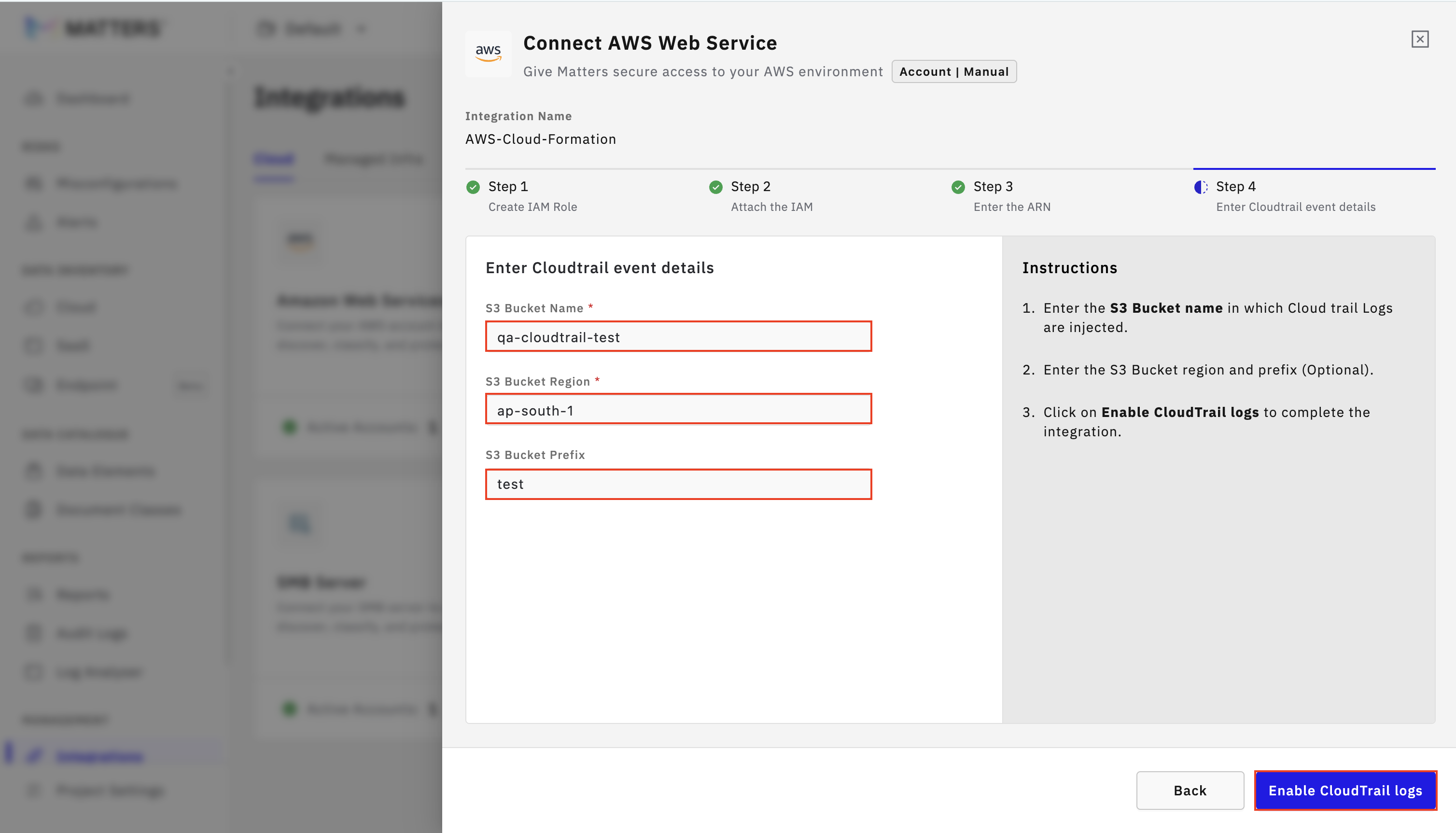
Click “Enter the Destination for CloudTrail event collection.”
Provide the required information:
S3 Bucket Name – The bucket where your CloudTrail logs are delivered.
Region – The region in which the S3 bucket resides.
Prefix (Optional) – Any folder path inside the bucket used for CloudTrail delivery (e.g.,
AWSLogs/<account-id>/CloudTrail/).
Click “Enable CloudTrail Logs.”
After successful configuration, you will see a confirmation message stating that CloudTrail logs have been enabled.
3. Validating the CloudTrail Integration
To verify that CloudTrail log Integration:
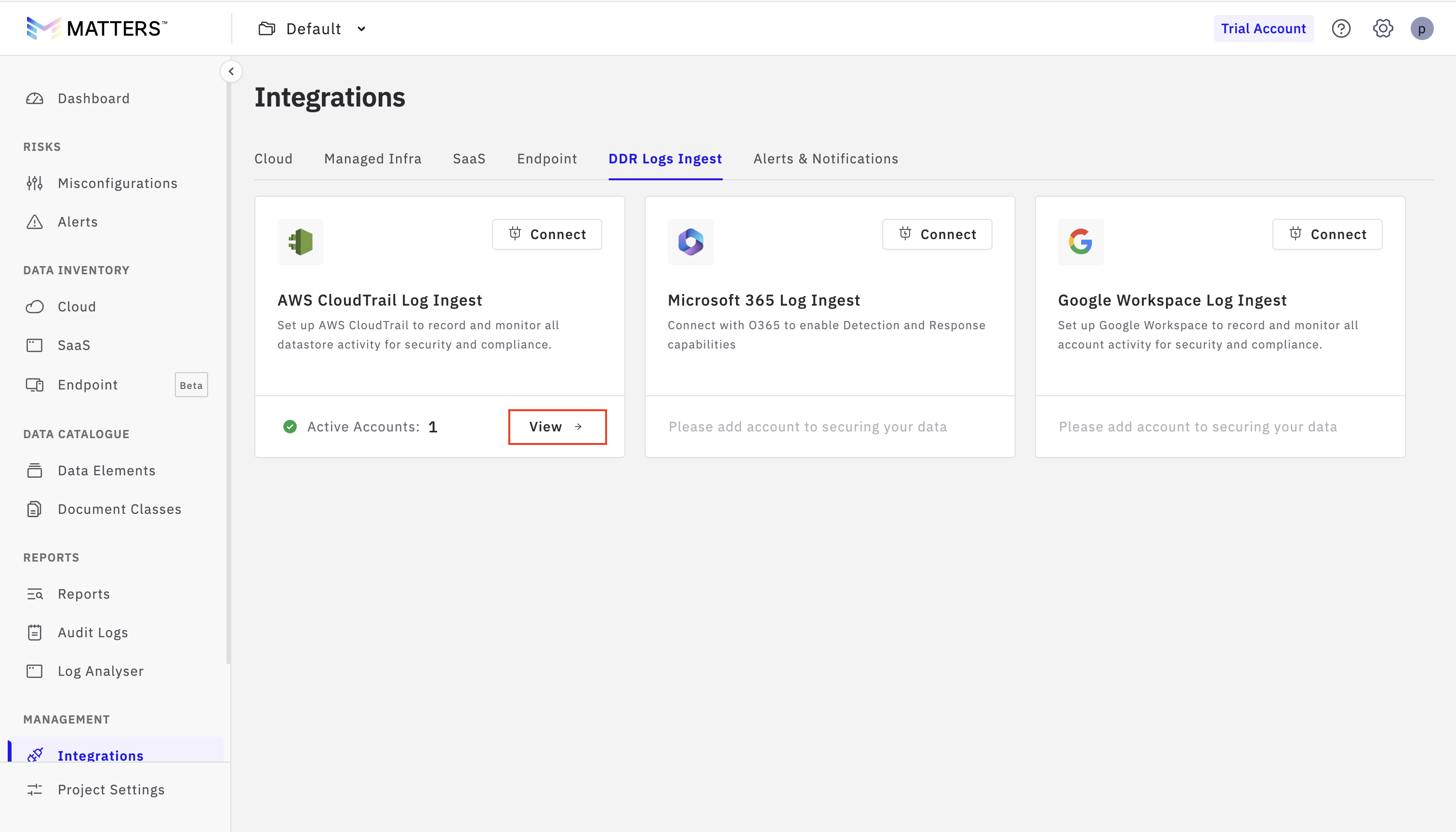
Navigate to DDR Logs in the platform.
Click “View.”
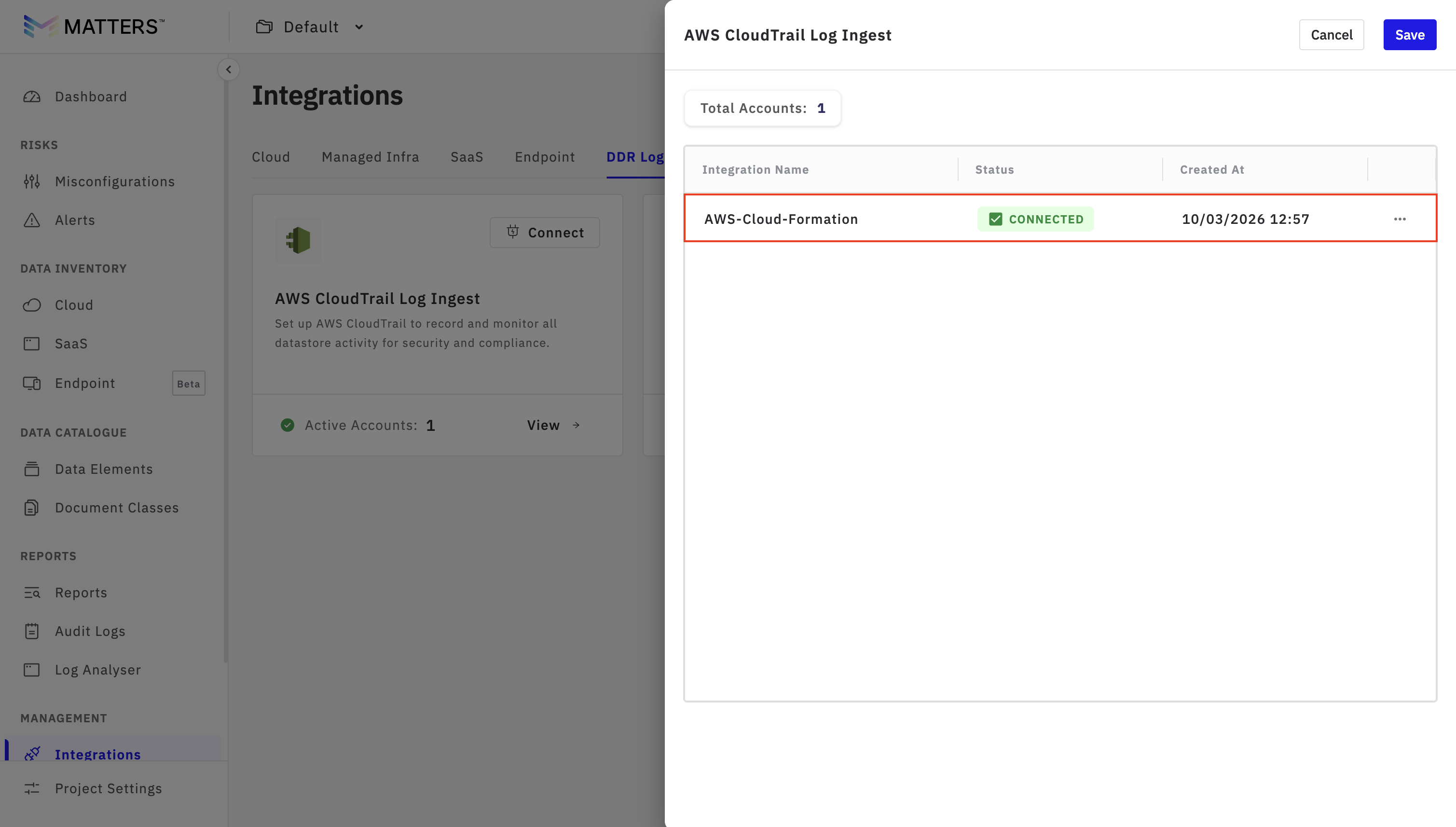
Here, you will be able to see the Integrated CloudTrail Details